テーマ詳細
閲覧数: 52(0)
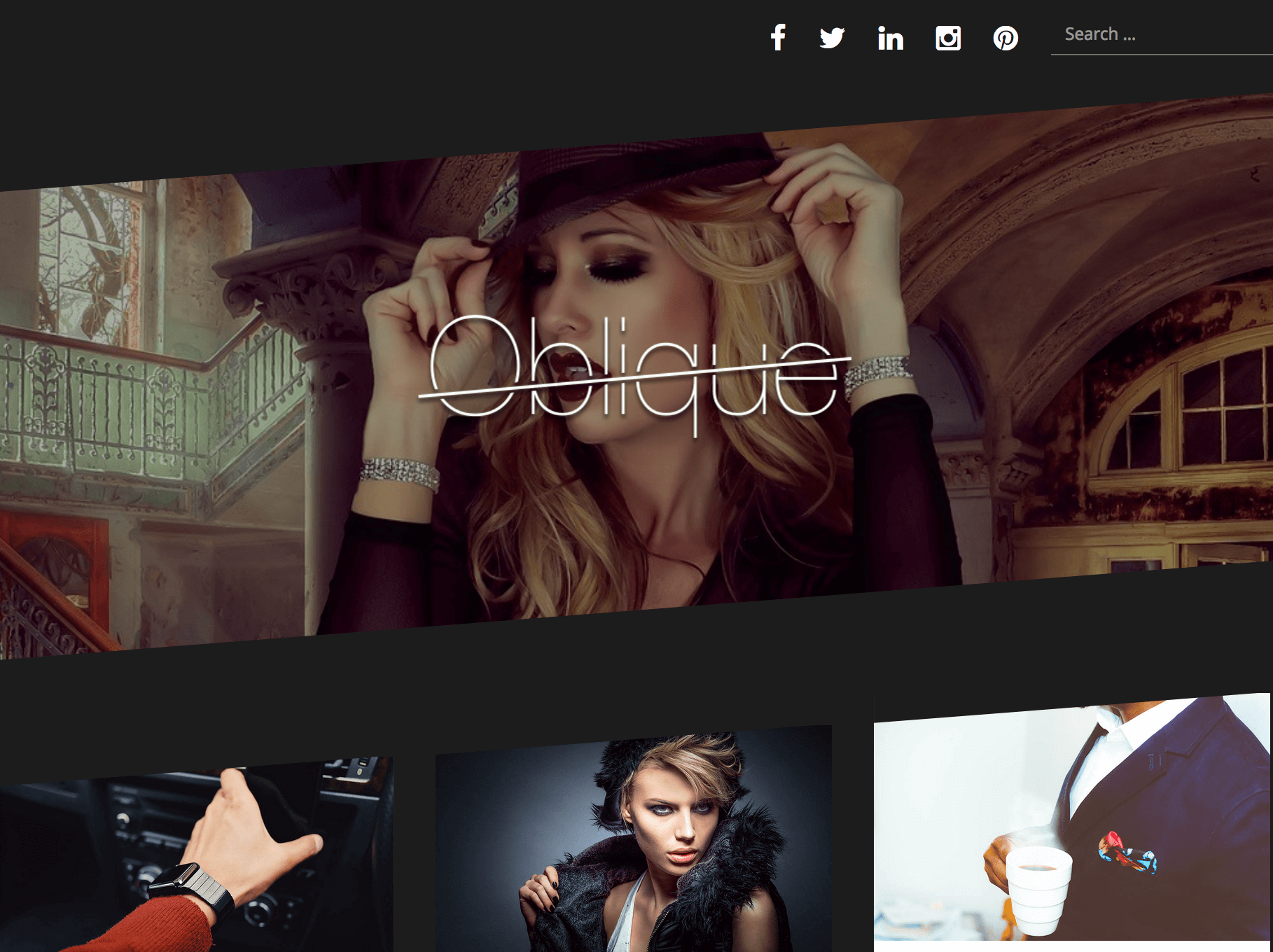
今回使用したテーマは「oblique」です。日本語では「斜めの、斜め方向の、傾いた」という意味です。名前の通り画面は斜めにカットされて傾いているように見えます。前回の記事でも書いた通り、今回は子テーマを作成するのではなく、画面構成は出来るだけ追加CSSで対応しています。
広告については、記事一覧画面(トップページ)と個別記事画面で表示するようにしています。記事一覧はcontent.phpを修正しています。個別記事はsingle.phpを修正しています。将来的には子テーマ化が望ましいかもしれません。スマホとタブレットは一緒にis_mobileと判定されてしまうため、mobbleプラグインでis_tabletを判定出来るようにしています。モバイルでは「短冊」が縦配列になるため、広告を一つのみ表示するためです。また、WindowsとMacでは横幅の扱いに違いがあり、レスポンシブ対応の中で$is_winIE変数を使って横幅設定を変えています。
まずは、一覧画面を生成する、content.phpです。
                <?php do_action( 'oblique_post_entry_content_bottom' ); ?>

                <?php
                global $is_winIE;
                if ( !$is_winIE ) { ?>

                <div class="single-post-svg" style="border-bottom:solid 1px #a6a6a6;text-align:center;font-size:14px;color:#a6a6a6;margin-bottom:20px">スポンサ>ーリンク</div>
                <div class="single-post-svg" style="text-align:center;display:flex;justify-content:space-around">
                <style>
                 .responsive_2 { width: 290px; height: 100px; }
                 @media(min-width: 300px) { .responsive_2 { width:300px;height: 250px; } }
                 @media(min-width: 468px) { .responsive_2 { width:468px;height: 60px; } }
                 @media(min-width: 600px) { .responsive_2 { width:240px;height: 200px; } }
                 @media(min-width: 1200px) { .responsive_2 { width:240px;height: 200px; } }
                </style>
                <script async src="//pagead2.googlesyndication.com/pagead/js/adsbygoogle.js"></script>
                <!-- responsive_2 -->
                <ins class="adsbygoogle  responsive_2"
                     style="display:inline-block"
                     data-ad-client="ca-pub-9709904800907040"
                     data-ad-slot="9973341612"></ins>
                <script>
                (adsbygoogle = window.adsbygoogle || []).push({});
                </script>
                </div>
                <?php } ?>
$is_winIEの場合は、レスポンシブの部分が以下のようになります。
                 @media(min-width: 300px) { .responsive_2 { width:300px;height: 250px; } }
                 @media(min-width: 468px) { .responsive_2 { width:468px;height: 60px; } }
                 @media(min-width: 600px) { .responsive_2 { width:240px;height: 200px; } }
                 @media(min-width: 800px) { .responsive_2 { width:300px;height: 250px; } }
選択記事の下部に広告を表示する設定は、single.phpへ以下のコードを挿入します。
                <?php endwhile; // end of the loop. ?>

<div class="single-post-svg" style="border-bottom:solid 1px #a6a6a6;text-align:center;font-size:14px;color:#a6a6a6;margin-bottom:20px">スポンサーリンク</div>
<div class="single-post-svg" style="text-align:center;display:flex;justify-content:space-around">
<style>
 .responsive_2 { width: 290px; height: 100px; }
 @media(min-width: 300px) { .responsive_2 { width:300px;height: 250px; } }
 @media(min-width: 468px) { .responsive_2 { width:468px;height: 60px; } }
 @media(min-width: 600px) { .responsive_2 { width:240px;height: 200px; } }
 @media(min-width: 8000px) { .responsive_2 { width:300px;height: 250px; } }
</style>
<script async src="//pagead2.googlesyndication.com/pagead/js/adsbygoogle.js"></script>
<!-- responsive_2 -->
<!-- responsive_2 -->
<ins class="adsbygoogle  responsive_2"
     style="display:inline-block"
     data-ad-client="ca-pub-9709904800907040"
     data-ad-slot="9973341612"></ins>
<script>
(adsbygoogle = window.adsbygoogle || []).push({});
</script>
二つ目以降の広告は、モバイル以外(PCかタブレット)のみ表示します。モバイルは一つ、PCとタブレットは三つ表示します。判定は以下の通り。
<?php if ( !wp_is_mobile() || is_tablet() ) { ?>
記事の下部にタグを表示していますが、文字ではなくアイコンで表示する設定は以下の通り。「genericon’d」というプラグインを使用してアイコンを表示しています。
$tags_list = get_the_tag_list( '', __( ', ', 'oblique' ) );
if ( $tags_list ) {
/* translators: Tags list */
printf( '<span class="tags-links">' . apply_filters( 'oblique_post_tags_message', __( '<span class="genericon genericon-tag tag"></span> %1$s', 'oblique' ) ) . '</span>', $tags_list );
}
最終更新日も入れるようにしました。テーマのtemplate-tags.phpに以下の関数を追加します。
if ( ! function_exists( 'oblique_updated_on' ) ) :
function oblique_updated_on() {
        if ( esc_html(get_the_date(ymd)) < esc_html(get_the_modified_date(ymd))) {
        $time_string = '<time class="entry-date-updated" <time class="updated" datetime="%3$s">最終更新日 %4$s</time>';
        }
        $time_string = sprintf( $time_string,
                esc_attr( get_the_date( 'c' ) ),
                esc_html( get_the_date()),
                esc_attr( get_the_modified_date( 'c' ) ),
                esc_html( get_the_modified_date() )
        );
        printf( __( '<span style="margin-right:10px" class="byline">%1$s</span>', 'oblique' ),
                sprintf( '<a href="%1$s" rel="bookmark">%2$s</a>',
                        esc_url( get_permalink() ),
                        $time_string
                )
        );
}
endif;
関数を追加する場所は、content-single.phpです。
        <footer class="entry-footer">
                <?php oblique_updated_on(); ?>
                <?php oblique_entry_footer(); ?>
                <?php pvc_post_views(); ?>
トップページで一覧表示の時に、抜粋記事のアイキャッチ画像をマウスオーバーした時に表示される「リンク」アイコンをAwesome FontからGenericon’dのクラシックアイコンに変更しました。
<span class="thumb-link">
<i class="fa fa-link"></i>
</span>
<span class="thumb-link">
<?php echo '<span class="genericon genericon-link link" style="font-size:38px"></span>';?>
</span>
テーマ標準では、リンクアイコンが斜めなのとフォントの太さなどがどうもセンスに合わず、気に入らないことによる変更です。センスに合うかどうかはあくまでも個人の感想ですw
最終更新日: 2017年10月14日